
Article Written Date : 29-12-2025
Article written by Shudhanshu Iweu
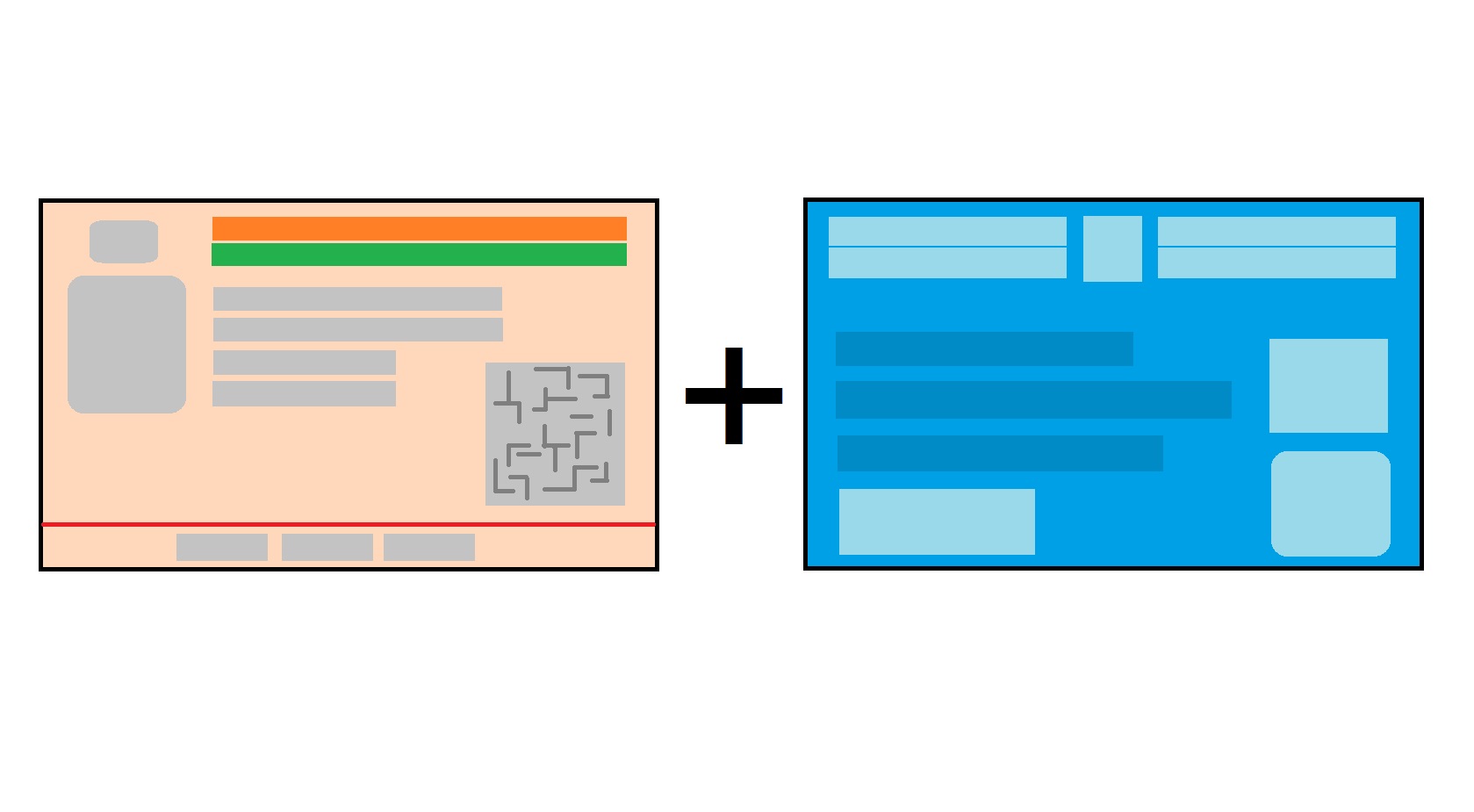
There is a very simple way to link your pan card with aadhar card. first of all you have to carry your valid aadhar card , pan card and an active mobile number for otp verification purpose. You have to visit on official website of efiling which is https://www.incometax.gov.in/iec/foportal/. after visiting the website you have to click on Link Aadhaar Status which is located in Quick Links section. We click on Link aadhar status for conformation purpose if my pan already linked with aadhar it show a message that is your pan card is linked with aadhar it means you don't have to link you pan with aadhar it already linked if pan and aadhar card not linked it shows a message which is your pan is not linked with aadhard in this is case you have to link you pan with aadhar which required aadhar card, pan card and active mobile number.
How to link pan card with aadhar card step-by-step process : Step 1: Visit the e-Filing Portal Home page and click on Link Aadhaar in Quick Links section. Alternatively, login to e-filing portal and click on Link Aadhaar in Profile section.Step 2: Enter your PAN and Aadhaar Number.Step 3: Click on Continue to Pay Through e-Pay Tax.Step 4: Enter your PAN, confirm PAN, and any mobile number to receive OTP.Step 5: Post OTP verification, you will be redirected to e-Pay Tax page.Step 6: Click on Proceed on the Income Tax tile.Step 7: Select the relevant Assessment Year and Type of Payment as Other Receipts (500) and click Continue.Step 8: Applicable amount will be pre-filled against Others. Click Continue.Now, challan will be generated. On the next screen, you have to select the mode of payment. After selecting the mode of payment, you will be re-directed to the Bank website where you can make the payment. Post payment of fee, you can link your Aadhaar with PAN on the e-Filing. Portal.
Submit Aadhaar PAN link Request (Pre-login):Step 1: Go to e-filing portal home page and click on Link Aadhaar under Quick Links.Step 2: Enter the PAN and Aadhaar and click Validate.Step 3: Enter the mandatory details as required and click on Link Aadhaar.Step 4: Enter the 6-digit OTP received on mobile number mentioned in the previous step and click on Validate.Step 5: Request for link of Aadhaar has been submitted successfully, now you can check the Aadhaar-PAN link status. After completing all these steps wait for payment updated on the server. if payment on updated on server it shows you these message ” Payments details not found”. Click on Continue To Pay Through e-Pay Tax for the payment of fee as payment of fee is the pre-requisite to submit the Aadhaar PAN link request.if payment successful then the popup show After validating PAN and Aadhaar you will see a pop-up message that ”Your payment details are verified”. Please click Continue on the pop-up message to submit Aadhaar PAN linking request.if you have done your payment successful then wait for some time to update payment on its server. i have also a user manual how to link pan card with aadhar card which is indicated in the link section in this user manual also images are available which helps you to do your work very accurately.
Your Aadhaar-PAN linking request has been received and sent for validation. In case required, please check the status after 48 hours by clicking on "Link Aadhaar Status" under Quick Links on Home page.
| Aadhar Card (Valid Id Proof) |

|
| Pan Card |
|
| Active Mobile No |
|
| Check Aadhar PAN Link Status | Click Here |
| Link Aadhar | Click Here |
| Verify PAN Status | Click Here |
| Official Website | Click Here |